







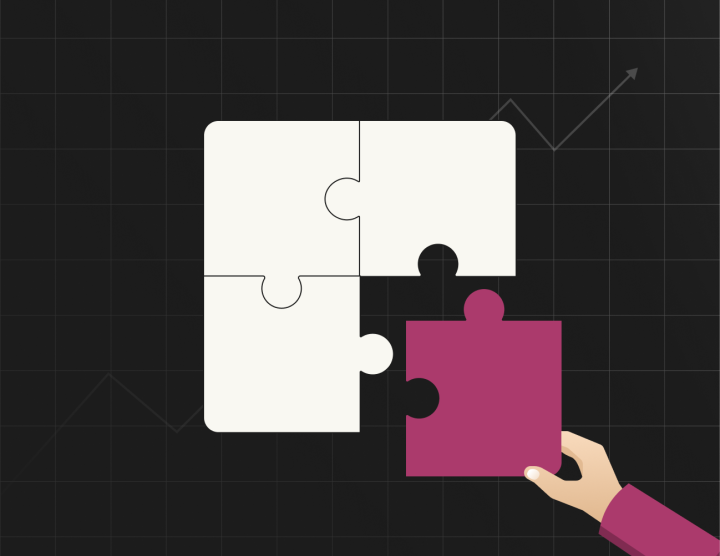


Editors regularly update copy, replace images and add new sections to pages as they respond to the changing nature of the business and its offerings. In day-to-day practice, content teams start to drift from the design systems and pull the website away from its original design.
The stakes are higher in an enterprise context, as design drift can result in expensive brand audits and, in many cases, premature redesign. Also, enterprises expect brands to stay consistent across thousands of pages and across different teams working on the same website.
So how do we make your WordPress editorial experience such that editors and content teams have the freedom to tweak templates and patterns without accidentally breaking the design system?
Building Editorial Experiences for the Enterprise
At rtCamp, we think of design holistically. Which means we believe your WordPress backend also needs intentional design.
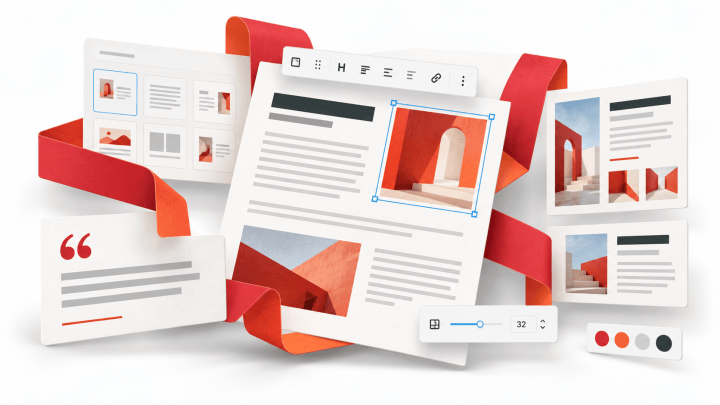
Instead of giving editors and content teams too many options and settings, designers and developers build a system of components. This system of components enforces the design. Let’s see how.
First, editors choose from a library of locked patterns. Each pattern has a name that states its purpose, and each pattern maps to a known section of a page.

Next, what if the content needs 5 cards instead of 6 in the pattern? Instead of duplicating a card without limits, a slider lets editors increase or decrease the number of cards, tabs, or other repeatable elements in the layout. The number of repeatable items cannot go beyond a fixed range, giving freedom to content teams while making the governance watertight.

Now, what if the editor requires a CTA after the section heading? They can swap it with a pattern that has the CTA. These alternatives are available by design. At no point does the editor need to insert a button manually and figure out its spacing, alignment, or styling. The component system makes the right options easy to find and use.

Some enterprises, especially publishers, need even more guardrails. They want granular control over how many words a heading can have, or how long the paragraph inside a card should be. And so, we build a system to set those limits at the block level. If anyone exceeds the limit, the system displays a warning or error, and publishing can be disabled until it is fixed.
Similar checks are then built at the page level, so that no one can publish a page with a missing title, meta description, alt text, or with any SEO checks failing.

The coolest thing is that, with WordPress, all these checks and guardrails are fully customizable to adapt to the shape of your team, workflows and business priorities. We work with your team to figure out what will make your editors publish quickly and with confidence, without ever going off-brand.
The above sets a great example of editorial experience when humans are working within the WordPress editor. But we’re heading towards a time when you can publish pages from within your LLMs. There needs to be a system to channel that raw intelligence of machines into working with your conventions and systems.
Make sure you are subscribed, as we will tell you more about agentic publishing in upcoming editions. Until then, check out my talk, ‘Agents need good tools too,’ at WordCamp US 2026.
Cheers!
On this page


Leave a Reply