Enabling success
through open source
We deliver client-centric enterprise-grade web publishing and
digital commerce solutions using WordPress.








EnterpriseWordPress
Solutions
The open-source technologies at the center of all our work help you unlock operational efficiency, develop new capabilities, remove vendor lock-in, reskill your teams, and reduce total cost of ownership.
Our bespoke engineering solutions for Fortune 500 companies, government agencies, and household brands reach millions of people every day.
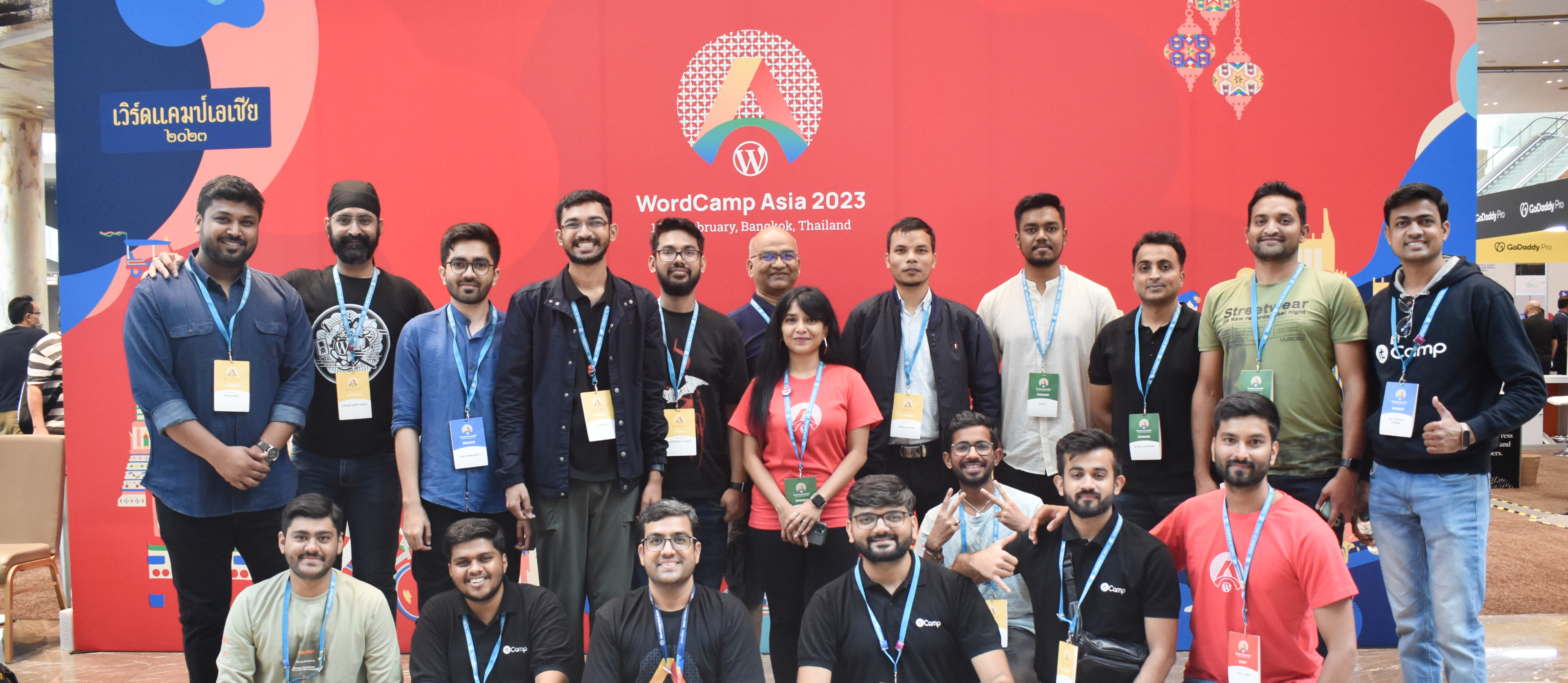
rtCamp is a true partner to its clients. We are a distributed company, with 150+ team members, and we’re an enterprise WordPress VIP Gold agency partner.


Top Partner
Innovator Award
WPVIP 2022
Our Work
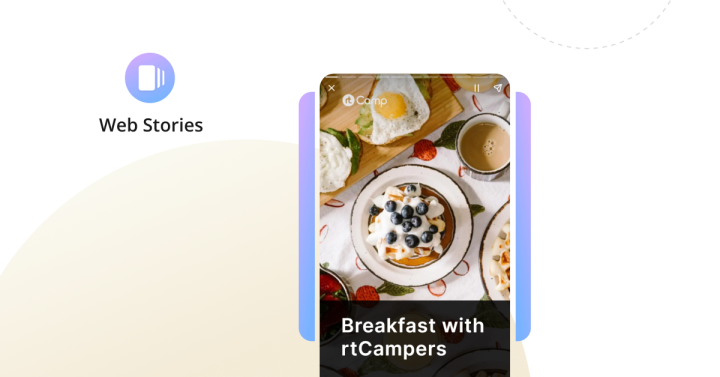
Building Embedded Web Stories for WordPress

Drupal to WordPress Migration Success Story: FleetNet America
Our solutions
empowering success, one solution at a time
Platform migration
Seamless, efficient, and reliable platform migration services
Managed site maintenance
Managed WordPress maintenance services that elevate site management
Staff augmentation
Extend Your team’s capabilities with rtCamp’s dedicated engineering talent
Quality assurance
Precision in every process: your quality assurance journey with rtCamp
Decoupled architecture
Crafting high-performance websites with decoupled WordPress services

Open source experts
Working as an extension of your team

Tailored solutions
To solve current and future challenges

Project goals mapped
To align with your strategic interests

A true partnership
Built on respect for your needs

Seamless communication
At every step along the way
Partnering with rtCamp
What can you expect while working with us?
Dependable delivery,
long-term success
rtCamp is synonymous with consistent delivery and long-term client satisfaction. We emphasize a consultative approach, starting with a thorough discovery phase that allows us to fully understand your challenges before suggesting a solution.
With us, it’s not just about ticking off service boxes. Our depth of engagement with your project is such that once you experience the rtCamp way, you’ll want to stay.
Ready to start a conversation? Reach out to speak with an expert today.


Al Jazeera used rtCamp to provide surge staffing for some critical, time-sensitive internal projects. The high-quality engineers they provided us integrated quickly with our agile processes & have since proven to be among the most productive members of the team.
David Hostetter
CTO & Board Advisor


As part of our Developer Relations mission at Google, we aim to develop tools to help the ecosystem be well-prepared for changes due to the evolution of the web platform. rtCamp has partnered with us on several key developer tooling efforts, and their deep technical knowledge and understanding of the web ecosystem, have made them an invaluable partner for us to achieve our goals quickly and effectively. Looking forward to continuing our efforts to bring quality and effective web developer tooling to the ecosystem.
Alberto Medina
Staff Developer Relations Engineer


rtCamp’s remarkable Drupal to WordPress migration, completed in just a few weeks, was a game-changer for FleetNet America. Their expertise transformed our online presence, elevating user experience and functionality. This initiative had a noteworthy business impact, with a 2x increase in performance. WordPress, known for its versatility, proved to be an excellent choice for our Enterprise B2B needs.
Samantha Blum
Digital Marketing Manager


We’ve been very impressed with the flexibility and expertise of rtCamp’s team, who implement a wide range of website features and functionalities for us. Their work continues to add so much value to our articles and award-winning special features. We’ve also been thankful to rtCamp for consistently being available and on point for last minute projects and tasks. The team also chimes in when it’s time to optimize and improve different core components of our site, on top of juggling multiple moving parts day to day. Lastly, collaborating and communicating with the rtCamp team has been a real pleasure. I look forward to what else we can accomplish together.
Jason Castro
Product Manager
Insights and resources
from our experience so far
-
WordPress 6.5 “Regina”: Our Contributions to WordPress’s 30th Consecutive Release
WordPress 6.5 “Regina” is the first major release of 2024. This is the 30th consecutive release with contributions by rtCampers.
-
What Makes Staff Augmentation Work So Well for Our Clients?
In this post, we outline our approach to staff augmentation and help you determine if staff augmentation is the right solution for you.
Commitment to
open source excellence
Our identity and passion are deeply entwined with the fabric of open-source technology. We are prolific in the open source community, with impactful involvement in the last 30 consecutive WordPress Core releases.
Our team does more than participate; we guide, educate, and innovate on the global stage of open-source events.
We understand that technology serves as a means to an end – your success. Our approach is to prioritize your problem and leverage open-source expertise to craft a solution that caters to your unique needs.
With rtCamp, technology never overshadows purpose, it enables it.