






Trusted by some of the world’s leading brands








Sounds familiar?
If you’re on AEM 6.5, at least one of these things will ring a bell:

You’re paying $80–200K a year for a platform your team uses 30% of

Preview and publish are out of sync and nobody fully trusts either

Your team deleted a page and had to call Adobe support to get it back

You lost your AEM developer. The site stopped moving forward

And now Adobe wants you on AEM as a Cloud Service. That’s a full-on migration — just to stay on Adobe
Leaving AEM is the right call.Don’t let a bad migration undo it
In every AEM to WordPress migration, the same three things go wrong. Here’s how we handle each one.

SEO performance
You’ve spent years building search rankings. Without URL mapping and redirect validation, none of that carries over.

How we prevent SEO deterioration
We audit every URL before migration begins, validate redirect chains, and run a crawl simulation before the DNS switch.

Content integrity
AEM content fragments, experience fragments, and DAM assets don’t have an equivalent in WP. Content arrives broken.
How we prevent content loss
We migrate every asset and metadata entry individually. Nothing goes live until checked against the source

Team productivity
A bad migration just moves the problem. Your team ends up on a new platform they still can’t use on their own.
How we prevent adoption failure
We learn how your team publishes and build around that. Live training and 30 days of Hypercare are standard.
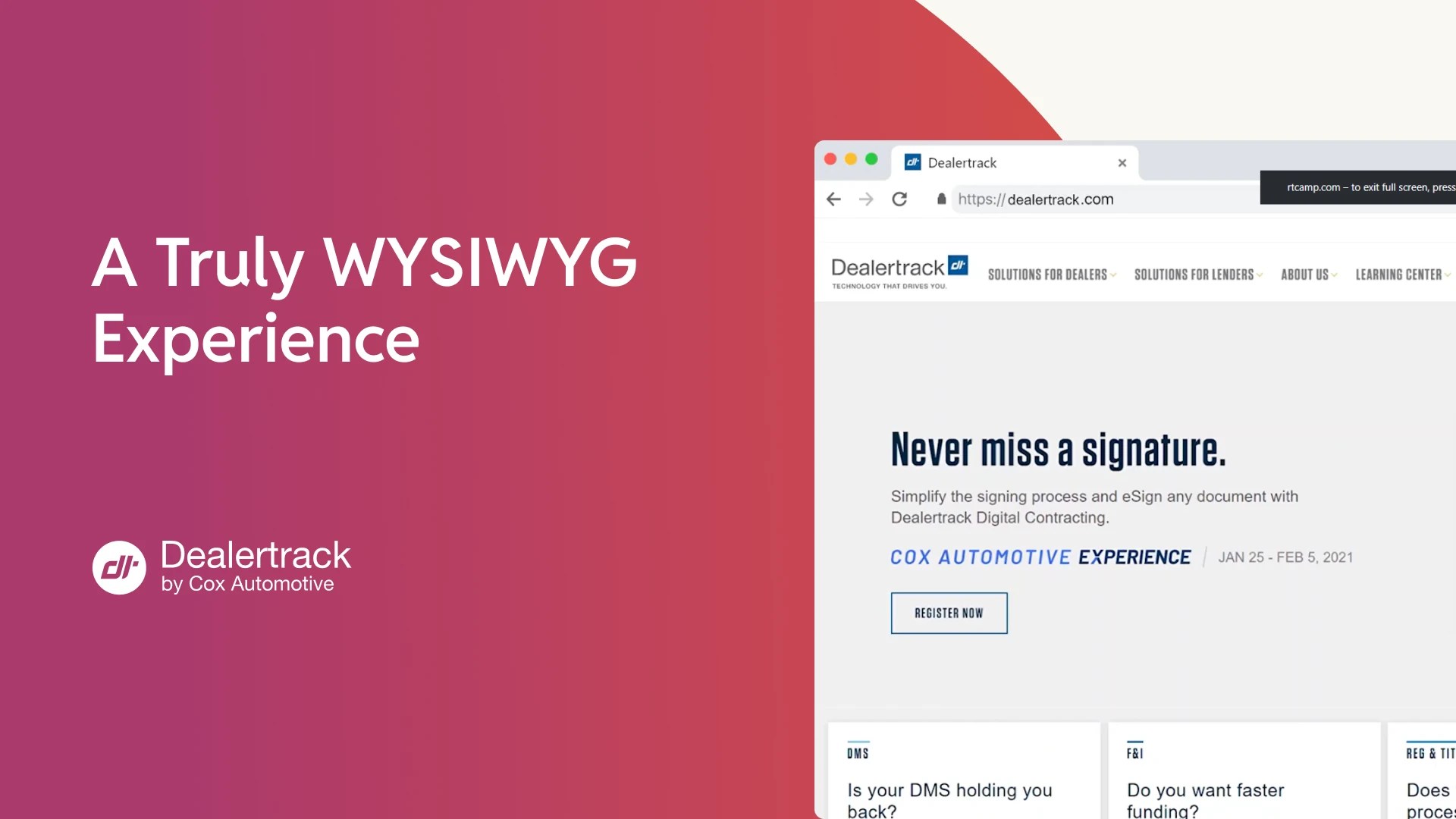
Dealertrack (a Cox Automotive brand) publisheslanding pages 50% faster after AEM migration

I worked with rtCamp for two years now, and it’s been a great partnership. They’re easy to work with, flexible, and dedicated to delivering top-notch results.

Justin Collins
Marketing Director at Cox Automotive
AEM 6.5 LTS support ends in 2027.Here’s where you could land
A practical comparison for teams building the internal business case.
| WordPress | AEM 6.5 LTS | AEM as a Cloud Service | |
|---|---|---|---|
| Annual platform cost | Zero licensing. You invest in what you build, not what you’re bundled with. | Six-figure licensing + AEM dev dependency + infrastructure costs | The subscription model means recurring costs set by Adobe. Dev dependency stays. |
| Migration scope | Full migration. Same effort, done once, on infrastructure you own. | You’re here. | Adobe’s own documentation requires component rewrites, API changes, and architectural restructuring. |
| Editorial independence | Gutenberg gives editors a visual block builder. Marketing publishes, updates, and builds pages without dev tickets. | The Experience Editor is slow and unreliable. Preview and publish frequently out of sync. Adding a new template needs a dev. | Universal Editor is a newer authoring option, but you’re still on Adobe’s tools. Developer dependency follows. |
| Developer dependency | Hundreds of thousands to millions WordPress developers globally. Easy to hire, easy to replace, easy to scale. Most day-to-day publishing requires no developer at all. | AEM is a niche skill set. High risk to lose. Most content changes require developer involvement, from page templates to metadata. | Same specialist pool. Demand increases as 6.5 LTS end-of-support forces migrations industry-wide. |
| Integrations | Connect any best-of-breed tool you choose — CRM, analytics, ad tech, personalization. | Works best within the Adobe ecosystem — Analytics, Target, Campaign. Anything outside requires custom work. | Same Adobe ecosystem dependency. Composable in theory, optimized for Adobe’s own stack in practice. |
| Ownership | Open source. You own every line of code and control your own roadmap. | Adobe owns the roadmap. You follow their releases with no option to fork or diverge. | A new platform, the same dependency. |
Migrating to AEM Cloud Service and to WordPress take roughly the same effort. Only one of them means you never replatform again.
AI readiness
Your next platform should outlast your next AI initiative
Adobe will sell you AI through Sensei and Target, but on their terms and inside their ecosystem. WordPress gives you an open foundation where AI capabilities connect the same way everything else does. Here’s what opens up once Adobe’s ecosystem is no longer in the way:

AEO implementation
AEM’s content model wasn’t built for AI search. On WordPress, your content structure opens up to LLMs.

AI-led editorial
No more developer tickets for publishing. The editorial workflow your team lands on is AI-capable out of the gate.

AI-led personalization
Adobe Target costs six figures, and is rarely fully deployed. On WordPress, personalization runs on the infrastructure you own.

WordPress as AI-integrated platform
Replace Adobe’s closed integration ecosystem with open APIs. You decide which AI tooling connects.

AI-accelerated development
With AI, migration ships faster, and we consult your team on AI-led delivery so they can speed up all development work.
Learn more about rtCamp’s approach to AI on WordPress
What you gain on WordPress
Own the infrastructure, control the roadmap, and publish without waiting on developers.

Owned infrastructure
No licensing fees. Your codebase is yours. Fork it, extend it, or change partners without replatforming.

Editorial independence
Gutenberg blocks give your marketing team an on-brand page builder. Publish, update, and build pages without filing a ticket.

Composable architecture
Connect the tools you actually use — analytics, CRM, ad tech, personalization. Not the ones Adobe bundled into your contract.

The largest talent pool in CMS
Hundreds of thousands to millions of WordPress developers globally. WordPress VIP adds enterprise hosting, security, and support.
How we migrate from AEM to WordPress
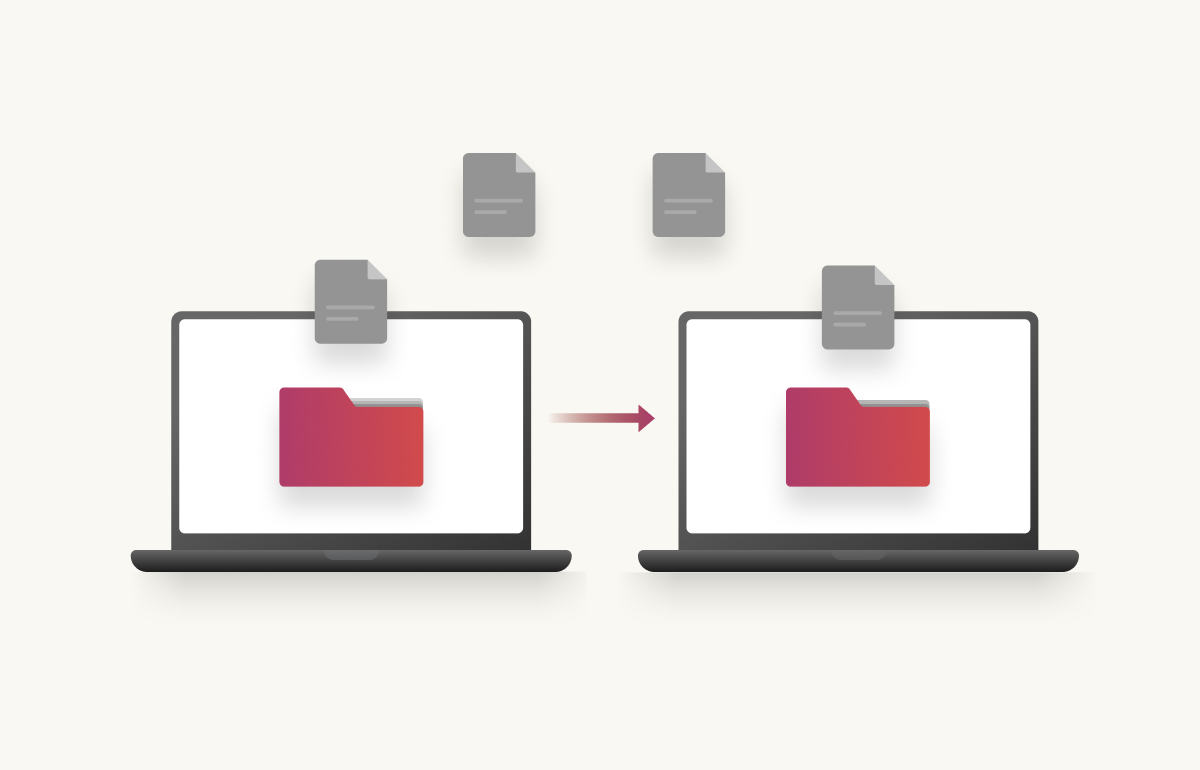
Our approach draws from 300+ enterprise migration projects. Five phases, no big-bang launches. All engagements start with 20 hours of free discovery.
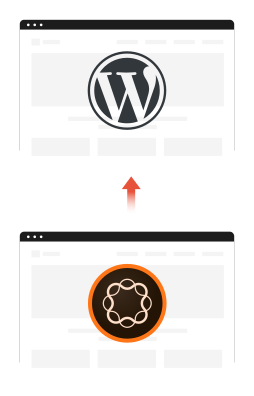
Migrate fromAEM to WordPress
Everything that matters,
protected
Every migration puts six things at risk. We engineer against all of them.
SEO equity preserved

Maintain your ranking authority across every URL
We audit every URL before migration begins, validate redirect chains, and run a crawl simulation before the DNS switch.
Content integrity validated

Transfer every piece of content without loss
Every content fragment, experience fragment, and DAM asset validated individually against the source. No bulk exports.
Editorial workflows rebuilt

Publish on day one without relearning everything
Gutenberg blocks and editorial tools designed around how your team works, not generic templates adapted after launch
Integrations maintained

Keep your existing tools connected and working
CRM, analytics, ad tech, and marketing automation rebuilt and tested against production traffic before go-live.
Zero downtime deployment

Launch without taking your site offline
New platform built in parallel. Blue-green deployment with instant rollback. Your AEM environment stays live until you’re ready.
Team enablement included

Work on the platform independently from day one
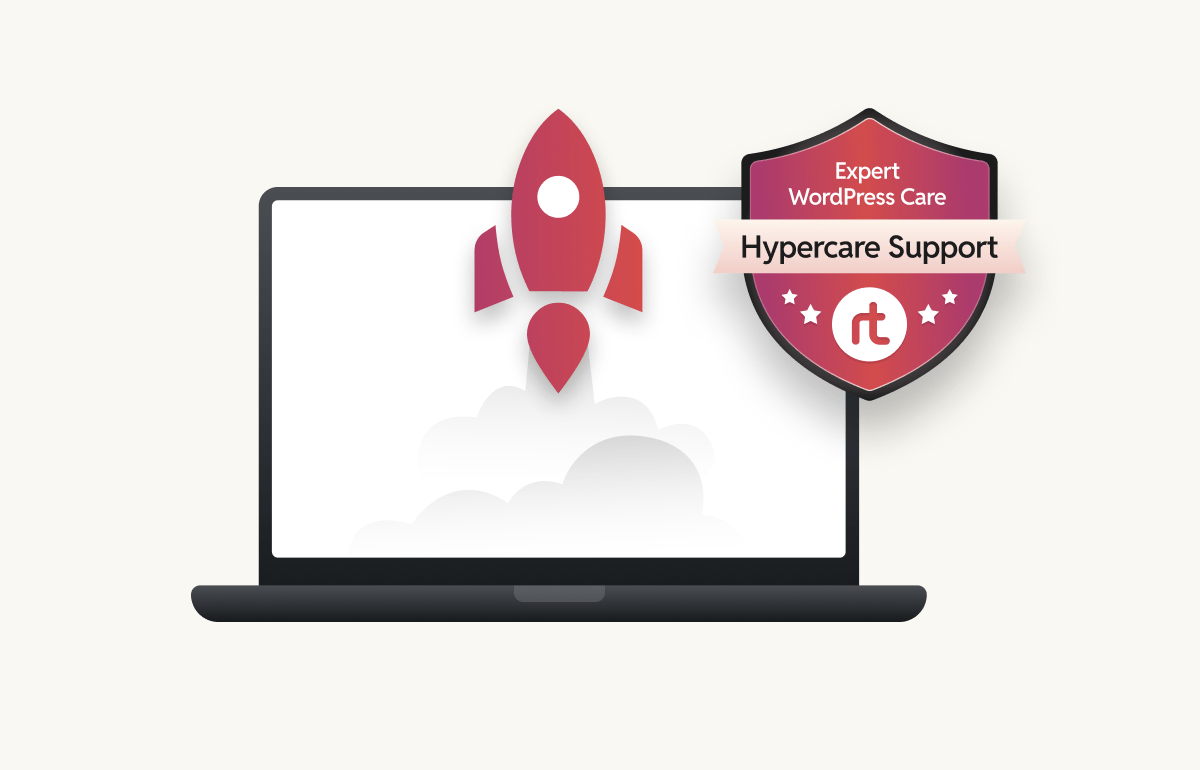
Technical and editorial documentation, live training sessions, and 30 days of dedicated Hypercare are standard on every project.
Why choose rtCamp as your AEM to WordPress migration agency
We have proven enterprise WordPress development expertise.

Known for complex WordPress migrations
300+ enterprise CMS migrations. We’ve migrated Manheim, Dealertrack, and Videojet (12K+ pages) off AEM and Adobe CQ5.

We’ll tell you if you don’t need us
If moving to AEM as a Cloud Service genuinely makes more sense for your situation, we’ll say so. We don’t oversell migration.

WordPress VIP Gold/Premier Partners
Core contributors for 34 consecutive WordPress releases. 200+ engineers in-house. SOC 2 compliant. 96% client repeat rate.
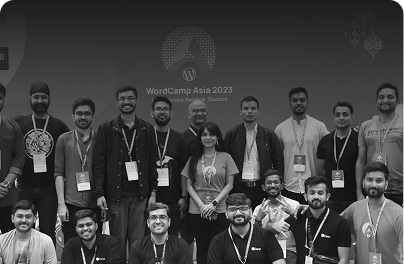
Why enterprises trust rtCamp
What ourclients say
We started off young, back in 2011, with an idea that evolved into a big company.

I worked with rtCamp for two years now, and it’s been a great partnership. They’re easy to work with, flexible, and dedicated to delivering top-notch results.

We needed a faster site that gives our marketing team control and flexibility. We got just that. The rtCamp team was responsive and collaborative throughout, listening to us, identifying our problems, and making a shift to solutions that just worked for us/supported the way our team works.
Planning to move from AEM to WordPress?
Book a free consultation and we’ll recommend the right approach.
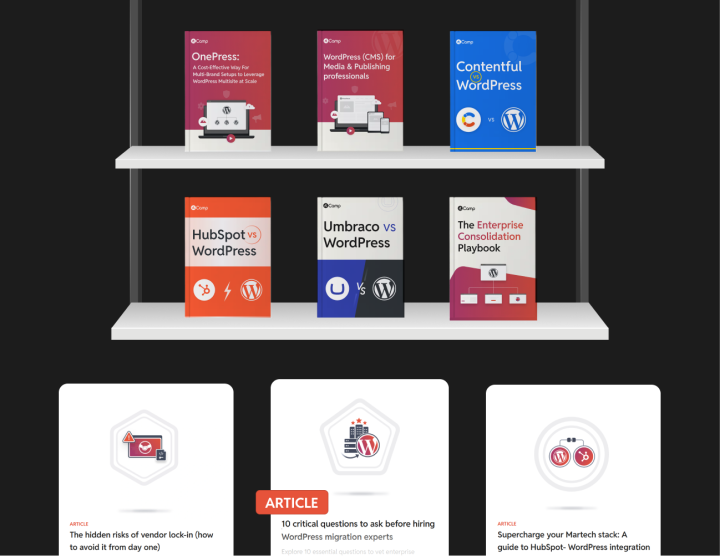
Check outour resources
Handbook
AEM vs WordPress comparison guide
Handbook
AEM to WordPress migration guide
case study
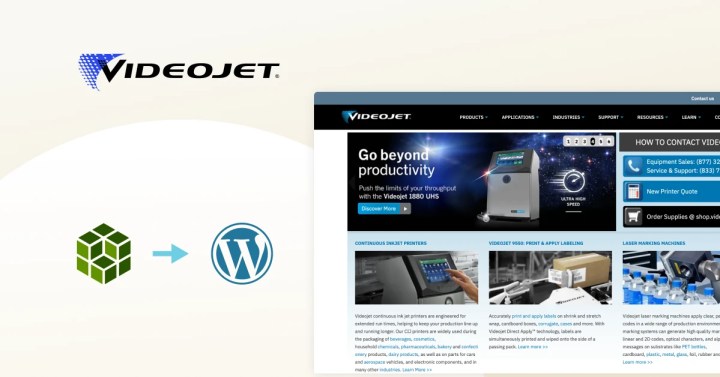
Videojet case study
Frequently asked questions
Most engagements range from $50K–$250K. It depends on the size of your AEM setup, content volume, number of integrations, and customization requirements. We start every project with up to 20 hours of free discovery to scope the work before any contract is signed.
Now. Many AEM contracts include auto-renewal clauses that can lock you in for another term if you miss the cancellation window. A typical enterprise AEM migration takes 3–6 months. Starting discovery now means you can go live on WordPress the moment your Adobe contract ends. The 20-hour free discovery costs you nothing and gives you a clear plan.
Not if the migration is handled correctly. We audit every URL before migration begins, validate redirect chains, migrate metadata field by field, and run a crawl simulation before the DNS switch.
AEM’s content fragments, experience fragments, and DAM assets don’t have a direct 1:1 equivalent in WordPress, which is why most migrations get this wrong. We inventory every asset type during discovery, build a custom migration path for each, and validate everything against the source before go-live.
Yes. Videojet had 12,000+ pages across 28 regional sites in 22 languages — we migrated all of it without losing search rankings. For large volumes we use automated migration scripts combined with manual checkpoint reviews at every stage.
That depends on what you actually use them for. Many teams migrate to Google Analytics 4 and a best-of-breed personalization tool — and end up with better functionality at a fraction of the cost. Others keep Adobe Analytics and simply connect it to WordPress via plugin or custom integration. We scope this during discovery so there are no surprises.
Typically 3–6 months depending on content volume, number of integrations, and how complex your AEM setup is. We deliver in phases so your live site is never at risk during the process.
Mainly: be available for content reviews, UAT testing, and editorial workflow sign-off at key stages. We handle the heavy lifting. Most teams spend 3–5 hours per week during the migration, more in the final QA phase.
Every engagement includes 30 days of dedicated Hypercare. We’re talking about daily monitoring, bug fixes, and performance optimization. After that, we offer maintenance packages and growth retainers for teams that want ongoing support.